5 ways to protect your HappyForms from spam

Technical Content Marketer

Reviewed by Onar Alili
Anti-Abuse Engineer & Co-founder
Published 4 min read

Spam submissions clog your inbox, pollute your CRM, and waste your time. If you use HappyForms on WordPress, there are simple but effective ways to stop them. The bottom line: turn on built-in protections, then layer in advanced filtering with a WordPress plugin like oopspam.
This blog walks you through five essential steps.
1. Enable Modern Anti-Spam Protection
HappyForms comes with a modern anti-spam protection setting. It is enabled by default, but double-check it in your form’s settings. This system uses hidden techniques to detect bots automatically, giving you baseline protection without extra effort.
2. Use the Honeypot Field
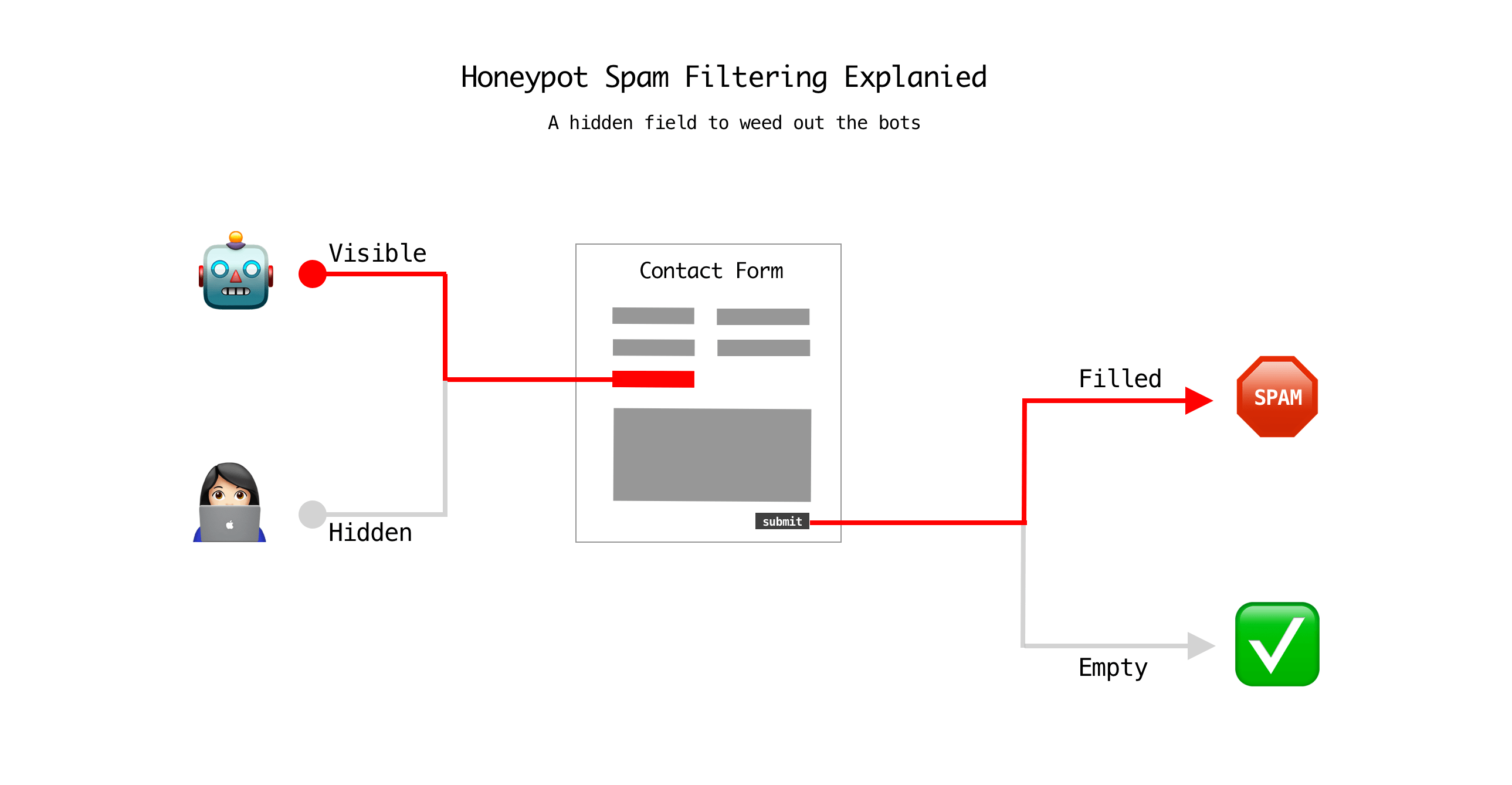
HappyForms adds a hidden field called a honeypot. Real users never see it, but bots fill it out by mistake. When they do, the form rejects the submission. This invisible trap is one of the simplest and most effective defenses.
3. Install an Anti-Spam Plugin (Pro Users)
If you use HappyForms Pro, you can integrate oopspam Anti-Spam (that’s us 👋) for stronger protection. It blocks spam before it reaches your inbox.
How to set it up:
Install and activate the oopspam plugin. Create an account to get an API key.
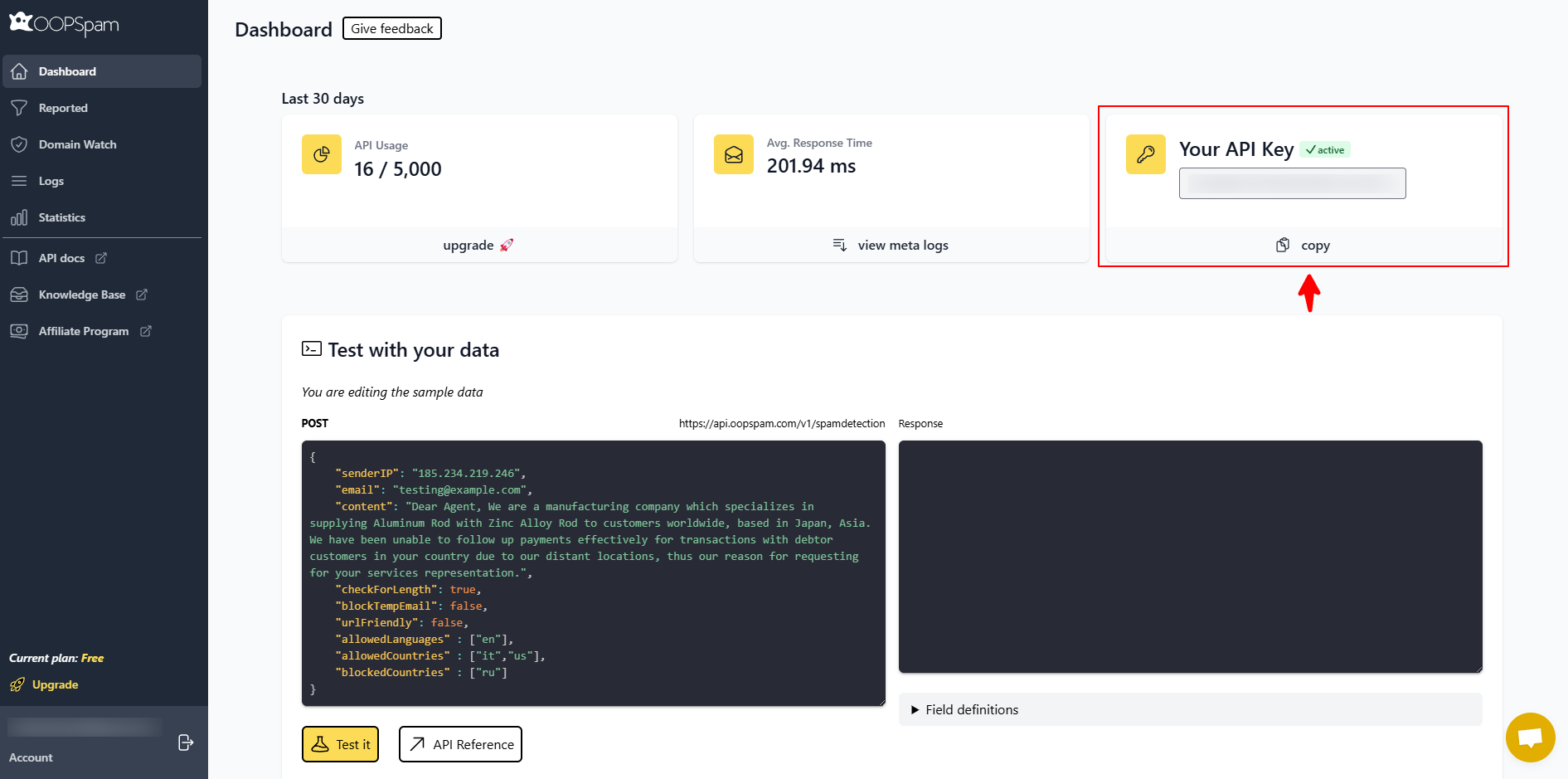
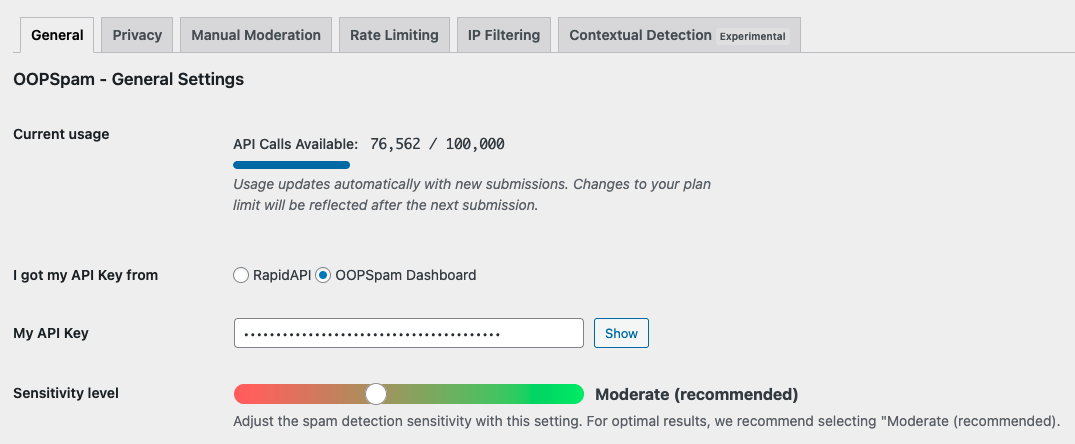
Enter the API key in the WordPress dashboard under oopspam - General Settings tab.
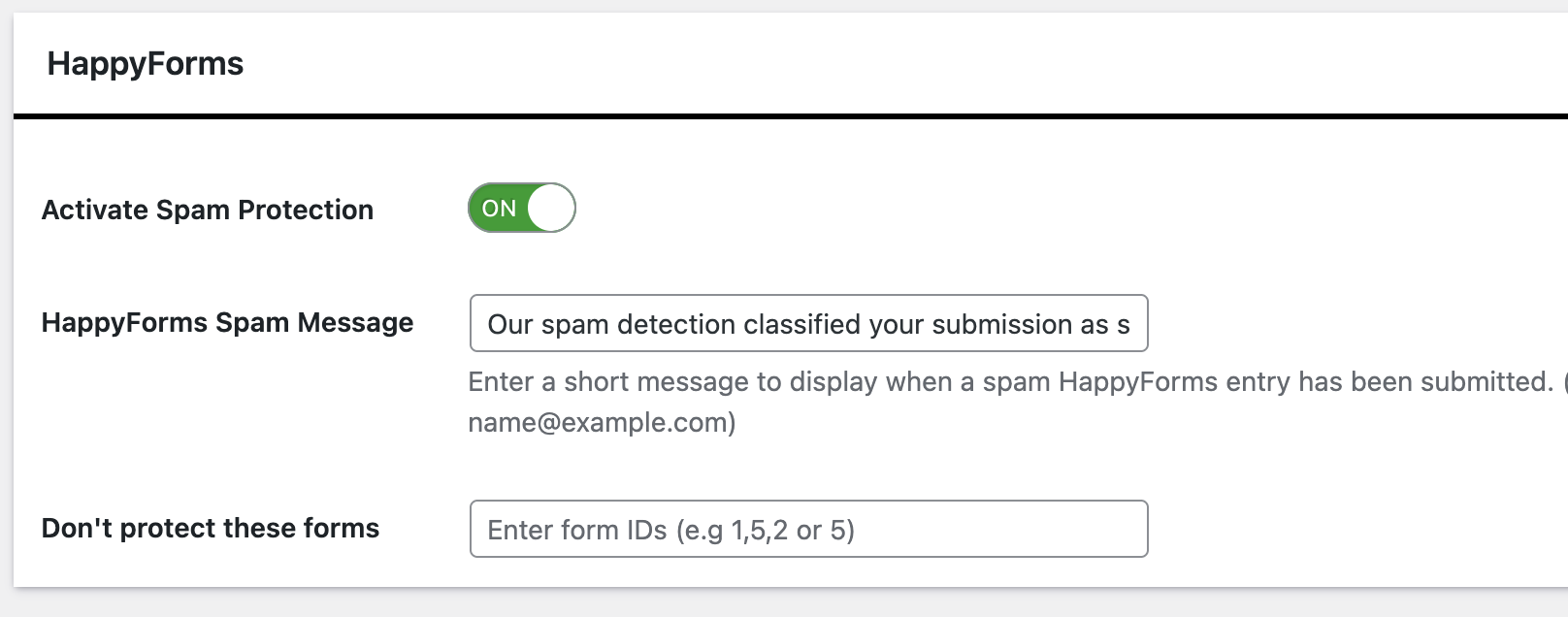
Activate spam protection for HappyForms.
What oopspam can do for you:
- Block or allow submissions by country to stop irrelevant traffic.
- Filter text by language so you only get entries in the languages you want.
- Limit abuse with frequency controls that stop repeated submissions.
- Detect bots with machine learning-powered spam checks.
- Block VPN, proxy, and TOR traffic often used by spammers.
- Use contextual analysis to flag spam even when only the message body is available (no IP or email).
- Log every submission so you can see what was blocked and why.
With these features, oopspam gives you control and visibility, making sure only legitimate leads reach your forms.
4. Add reCAPTCHA or hCaptcha

Verification tools like Google reCAPTCHA or hCaptcha force users to prove they’re human. Most bots fail these checks.
Steps to integrate:

- Get site and secret keys from reCAPTCHA or hCaptcha.
- Add them to your anti-spam plugin settings.
- Apply them to your HappyForms fields.
This creates a visible challenge that filters out automated abuse.
5. Configure Keyword, Country, and IP Filters
oopspam gives you precise control over what submissions to allow or block. You can filter by keywords, countries, languages, emails, and IPs.
Country and Language Controls
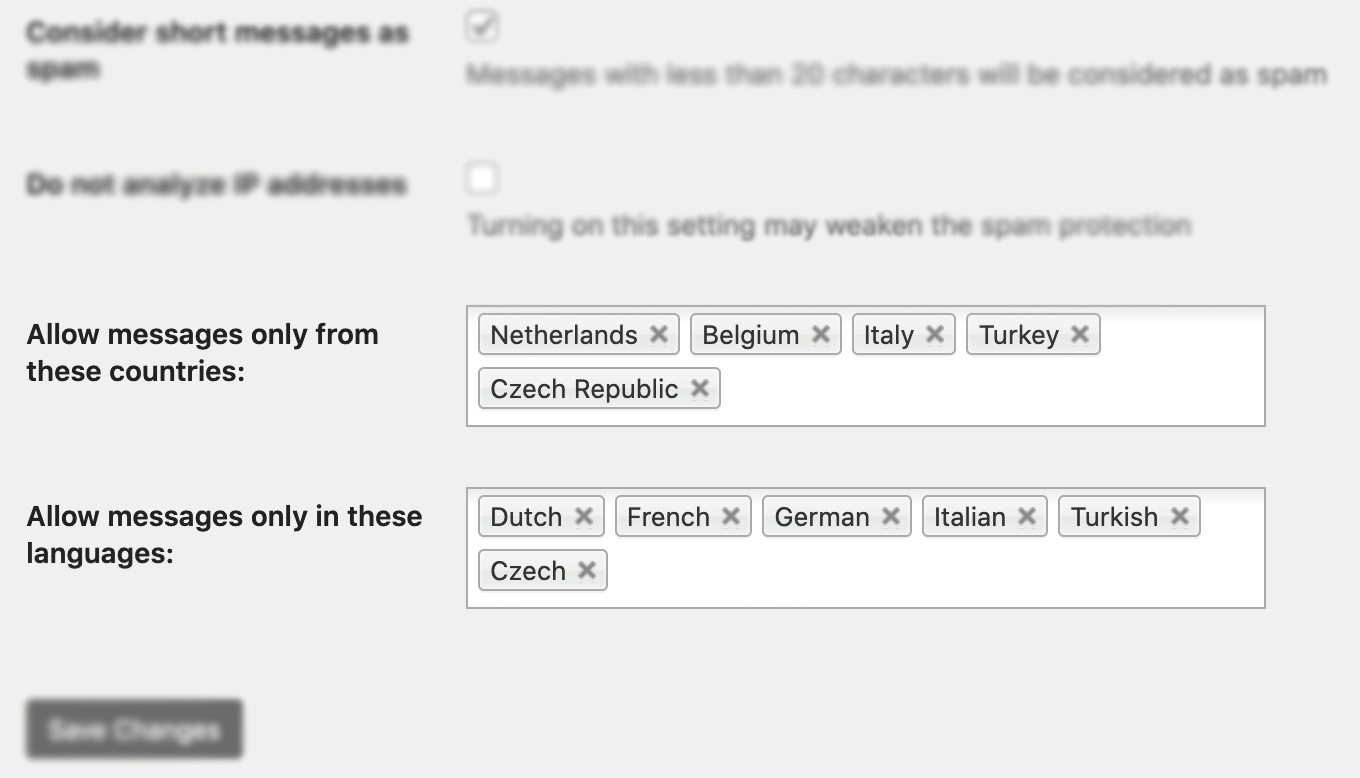
- Trusted Countries: Submissions from these countries bypass all spam checks.
- Country Allowlist: Only accept submissions from selected countries. Leave empty to accept all.
- Country Blocklist: Reject submissions from chosen countries unless they are in Trusted Countries.
- Language Allowlist: Only process messages in the languages you specify.
Manual Moderation (Email, IP, and Keywords)
You don’t have to use these settings, oopspam already blocks automated spam by default. These tools are there if you want a quick way to block or allow someone specific by email, IP, or keyword.
Blocked Emails/IPs: Stop known malicious senders or networks.

Allowed Emails/IPs: Ensure important sources are never blocked.

Blocked Keywords: Automatically reject forms containing terms like “casino,” “viagra,” or “invest.”

By combining these filters, you can prevent irrelevant traffic, keep spammy terms out of your forms, and ensure only quality submissions make it through. Review and update these filters regularly to adapt to evolving spam tactics.
Final thoughts
Spam is constantly evolving. One solution isn’t enough. Combine HappyForms’ built-in honeypot, plus reCAPTCHA or hCaptcha, and advanced oopspam filtering to create a layered defense. Update your plugins often to stay ahead of new threats.
