4 Ways to Protect Your Piotnet Forms from Spam

Technical Content Marketer

Reviewed by Onar Alili
Co-founder & Engineer
Published 5 min read
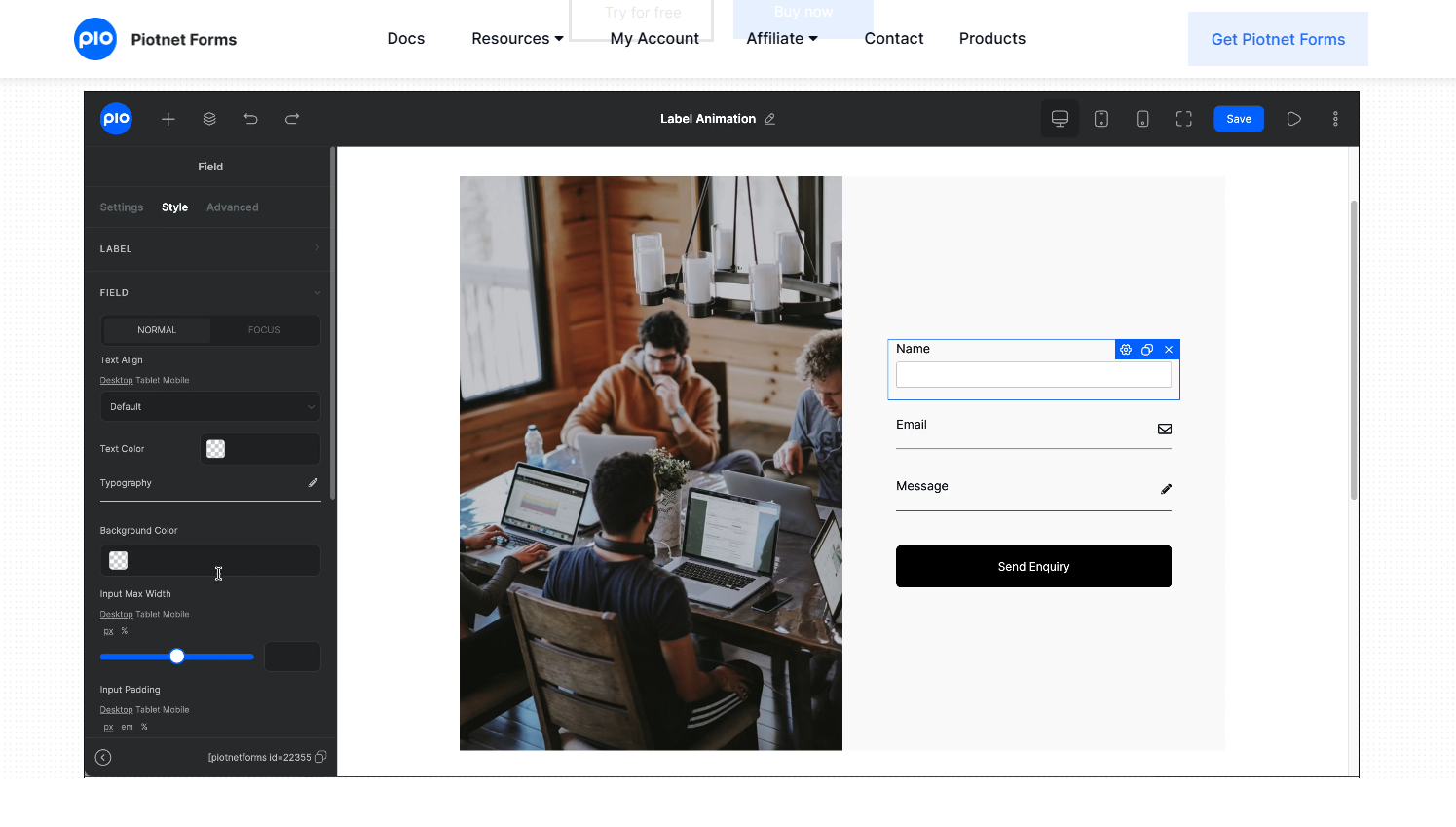
If your Piotnet Forms are getting spam, start with two things: enable reCAPTCHA and install oopspam. These handle most automated and repeated submissions right away. Then add a honeypot field and, if needed, a firewall to block unwanted traffic before it reaches your site.
Why Piotnet Forms Get Spam
Piotnet Forms are often used for lead forms, registrations, and inquiries. That makes them a target.
Bots scan websites for active forms and attempt to submit links, fake details, or random messages. Some spam is simple, but others use rotating IPs or proxies to look like real users.
Without proper protection, even a well-built form can become a source of spam.
1. Use oopspam for Filtering and Limits
oopspam (that’s us 👋) is one of the most effective ways to control spam in Piotnet Forms. It filters submissions in the background and gives you control over how forms are used. It does more than just block bots. It also helps manage repeated submissions and suspicious traffic.
How to set it up
Start by installing the plugin. Go to Plugins → Add New, search for “oopspam Anti-Spam,” then install and activate it.

Next, create an account on oopspam and copy your API key from the dashboard.

Go back to WordPress, open Settings → oopspam, paste your API key, and save.

Scroll through the settings page and activate Piotnet Forms spam protection. Once enabled, filtering starts immediately.
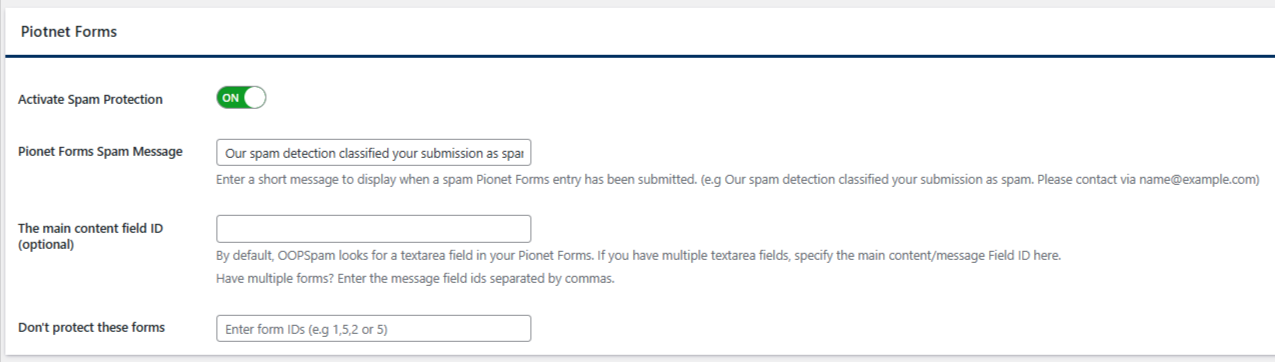
What you can control
oopspam gives you full control over how form submissions are handled. It does more than block spam, it lets you adjust how strict your filtering should be based on your needs.
You can manage key settings such as:
- Limit how many times an IP address or email can submit a form
- Adjust the sensitivity level of spam detection
- Block or allow submissions from specific countries
- Filter submissions based on language
- Detect and block traffic from VPNs, proxies, and data centers
- Filter disposable email addresses
- Apply rules based on message content patterns
You also get access to logs, so you can review blocked submissions and fine-tune your settings over time.
You do not need to configure everything right away. The default setup already works well for most websites. If you are unsure, keep the sensitivity on the default “moderate” level and adjust based on your results.
2. Enable reCAPTCHA in Piotnet Forms
Piotnet Forms includes built-in support for Google reCAPTCHA v3. This helps detect bots without interrupting real users. It works in the background by assigning a score to each submission and blocking those that appear suspicious.
How to set it up
First, go to the Google reCAPTCHA Admin Console and register your site using reCAPTCHA v3.
Copy your Site Key and Secret Key.
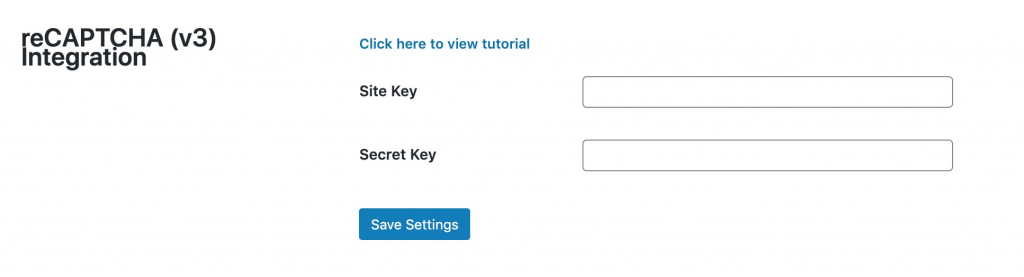
Then in WordPress:
- Go to Piotnet Forms → Settings → reCAPTCHA (v3) Integration
- Paste your keys and save
After that, open your form in the builder, select the Submit Button, and enable reCAPTCHA.
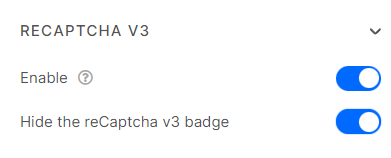
Once enabled, reCAPTCHA will automatically evaluate each submission in the background and block suspicious traffic without affecting user experience.
3. Add a Honeypot Field
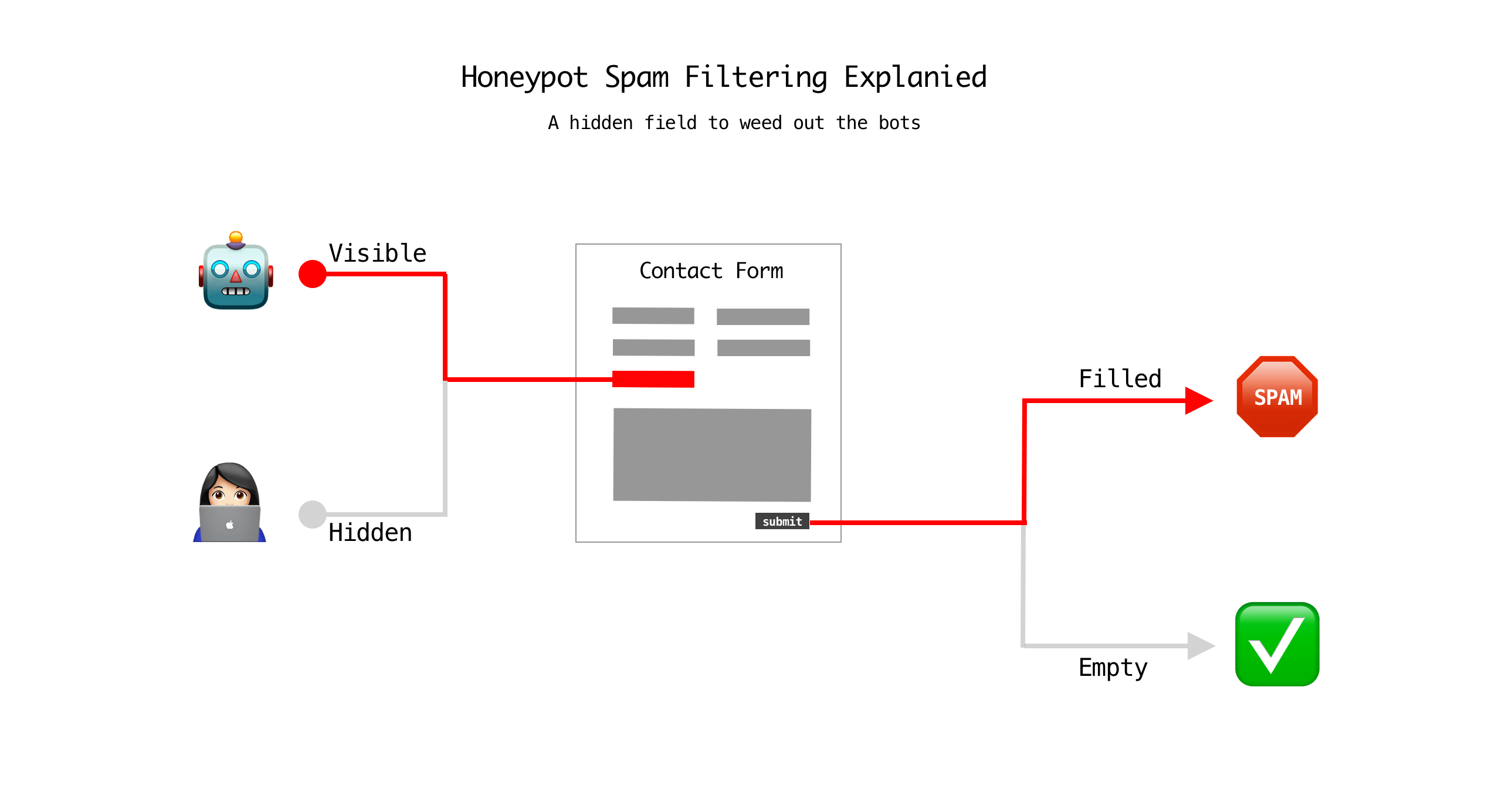
A honeypot is a hidden field used as a decoy for spambots. Real users cannot see it, so they will never fill it out.
Bots, however, often try to complete every field in a form. Because they cannot detect that the field is hidden, they fill it in. When this field contains any value, the submission is automatically flagged as spam and rejected.
This makes honeypots a simple and effective way to block basic automated spam without affecting user experience.
How to set it up
- Open your form in Piotnet Forms.
- Add a Honeypot field from the form elements and place it anywhere in the form. It will remain invisible to users.
- Save and publish your form.
- Once enabled, it works in the background and blocks bot submissions with no extra steps for real visitors.
4. Use a Web Application Firewall (WAF)
If spam continues or your site is getting heavy traffic, a firewall can help stop malicious requests before they reach your form. A WAF filters incoming traffic and blocks known threats at the server or network level.
How to set it up
Most hosting providers already include a firewall like ModSecurity. Check your hosting dashboard and enable it if it is not already active.
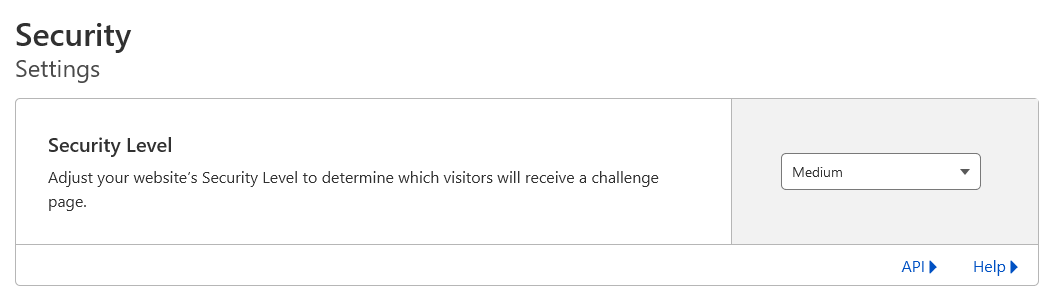
You can also use a service like Cloudflare for additional protection. To set it up:
- Create a Cloudflare account
- Add your website and update your nameservers
- Set the security level to Medium or higher
- Enable bot protection
A firewall is especially useful if your site receives high traffic or forms that are frequently targeted.
Final Thoughts
Piotnet Forms spam is manageable with the right setup. Start with oopspam or reCAPTCHA to handle most of the filtering. Then add a honeypot for simple bot protection. If needed, use a firewall to block unwanted traffic before it reaches your site.
With these steps in place, you can reduce spam significantly while keeping your forms easy to use.
