How to block countries in Toolset Forms?

Technical Content Marketer

Reviewed by Onar Alili
Anti-Abuse Engineer & Co-founder
Updated Published 3 min read
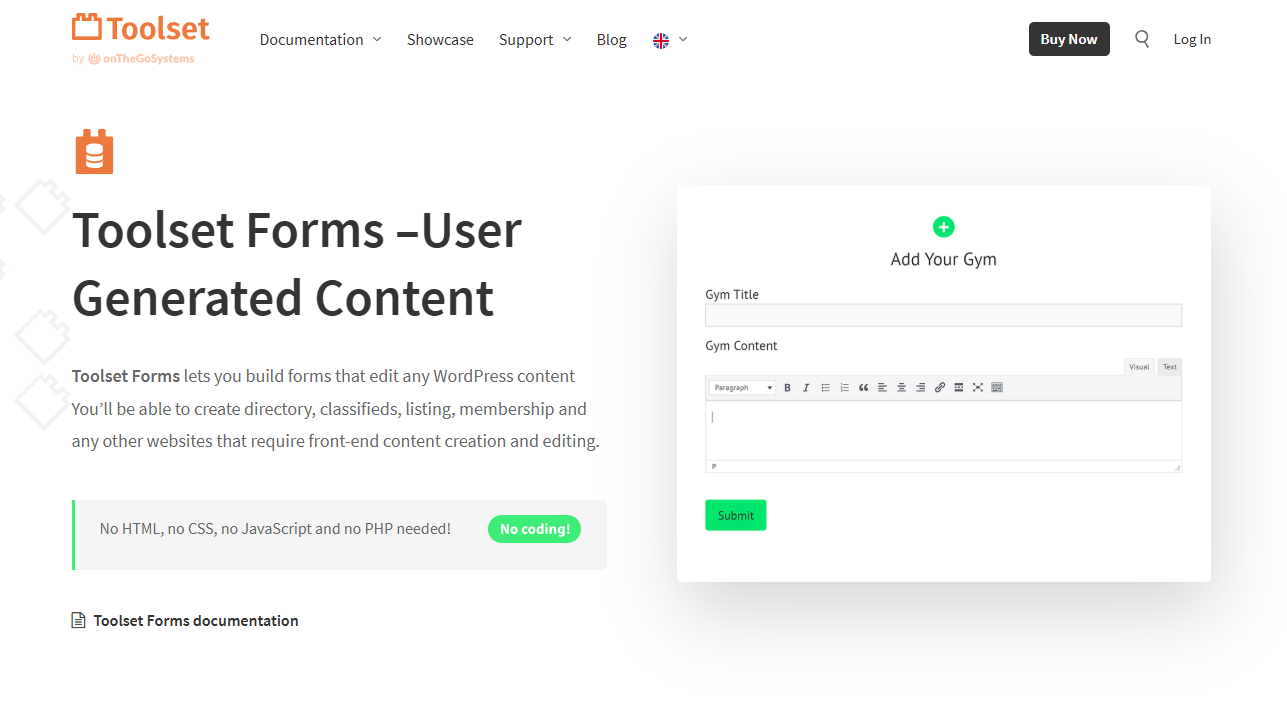
Toolset Forms does not include built-in country blocking. To stop spam or unwanted traffic, you need two options:
- Use oopspam Anti-Spam (that’s us 👋) for form-level filtering.
- Use Cloudflare Firewall Rules to block entire countries at the network level.
Option 1: Block Countries in Toolset Forms with oopspam
oopspam Anti-Spam integrates with WordPress and adds country and language filtering to your forms. It prevents unwanted submissions while letting legitimate users through.
Key Features for Toolset Forms
- Block or allow submissions from specific countries.
- Filter entries written in unwanted languages.
- Limit form submissions to reduce spam and misuse.
- Detect spam with machine learning and stop bots, proxies, VPNs, and TOR users.
- Review blocked and approved entries with clear logs.
How to Set It Up
Install the oopspam plugin from Plugins > Add New in WordPress. Create an account at oopspam.com and generate an API key.
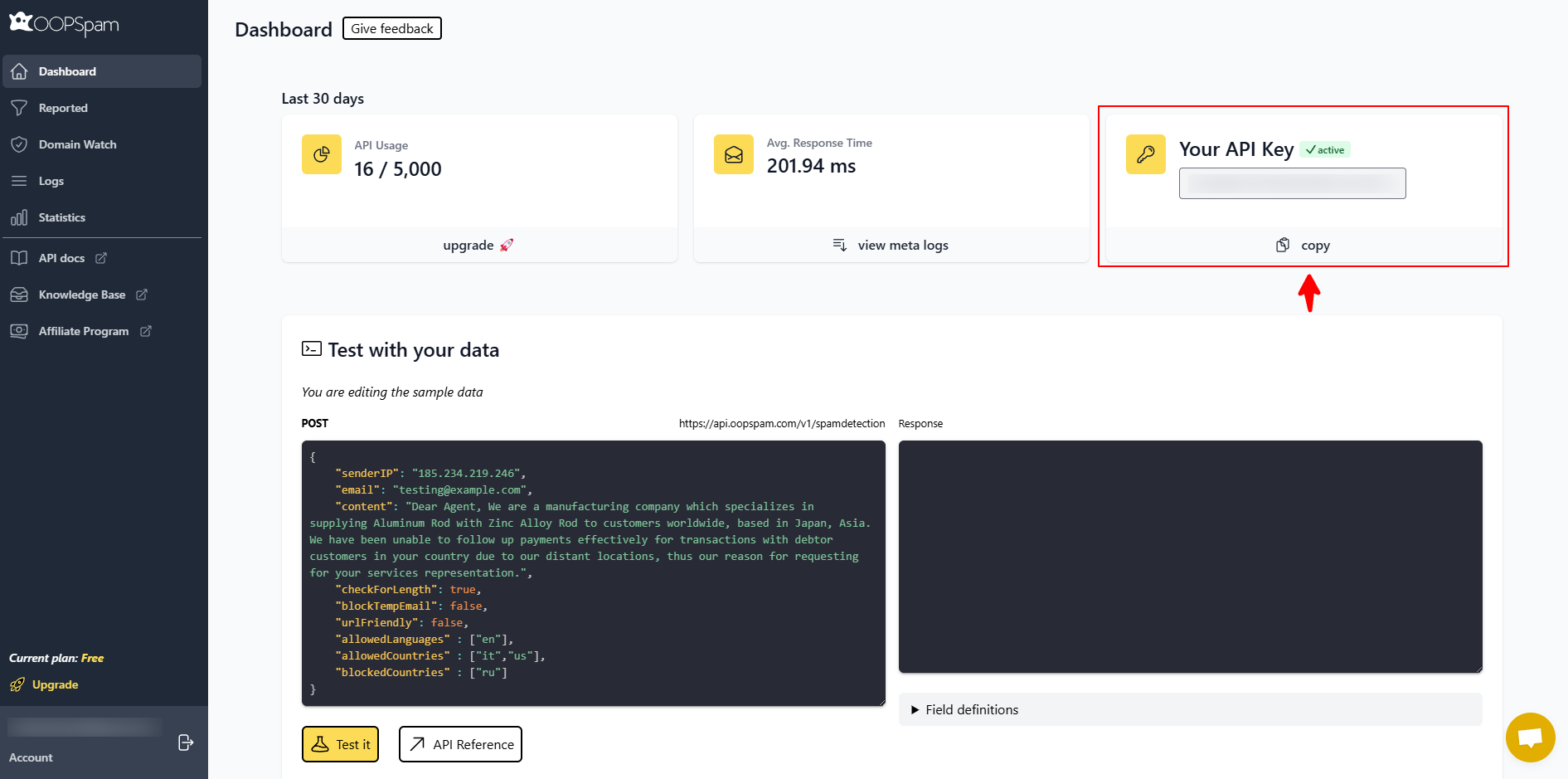
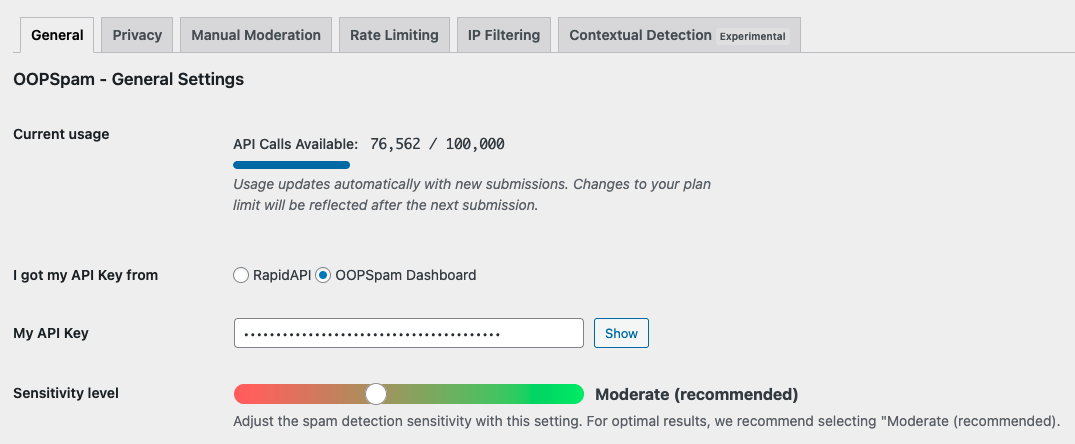
Paste the API key into oopspam Anti-Spam > Settings.
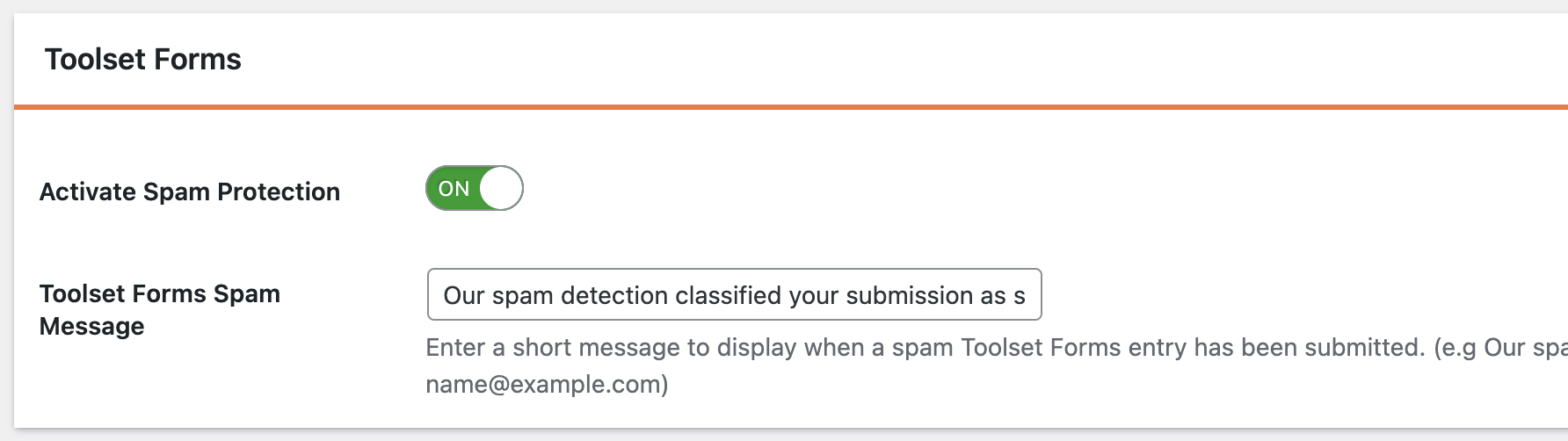
Enable protection for Toolset Forms in the plugin settings.
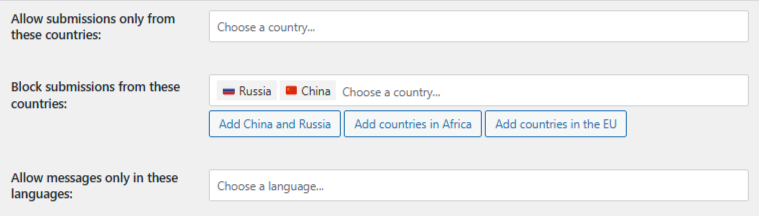
Go to Country Filtering and choose whether to block certain countries or allow only specific ones.
Reviewing Entries
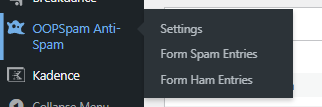
Blocked and approved submissions appear in two places: inside WordPress under the Spam & Ham logs:
and in your oopspam Dashboard with more detailed filtering reports:
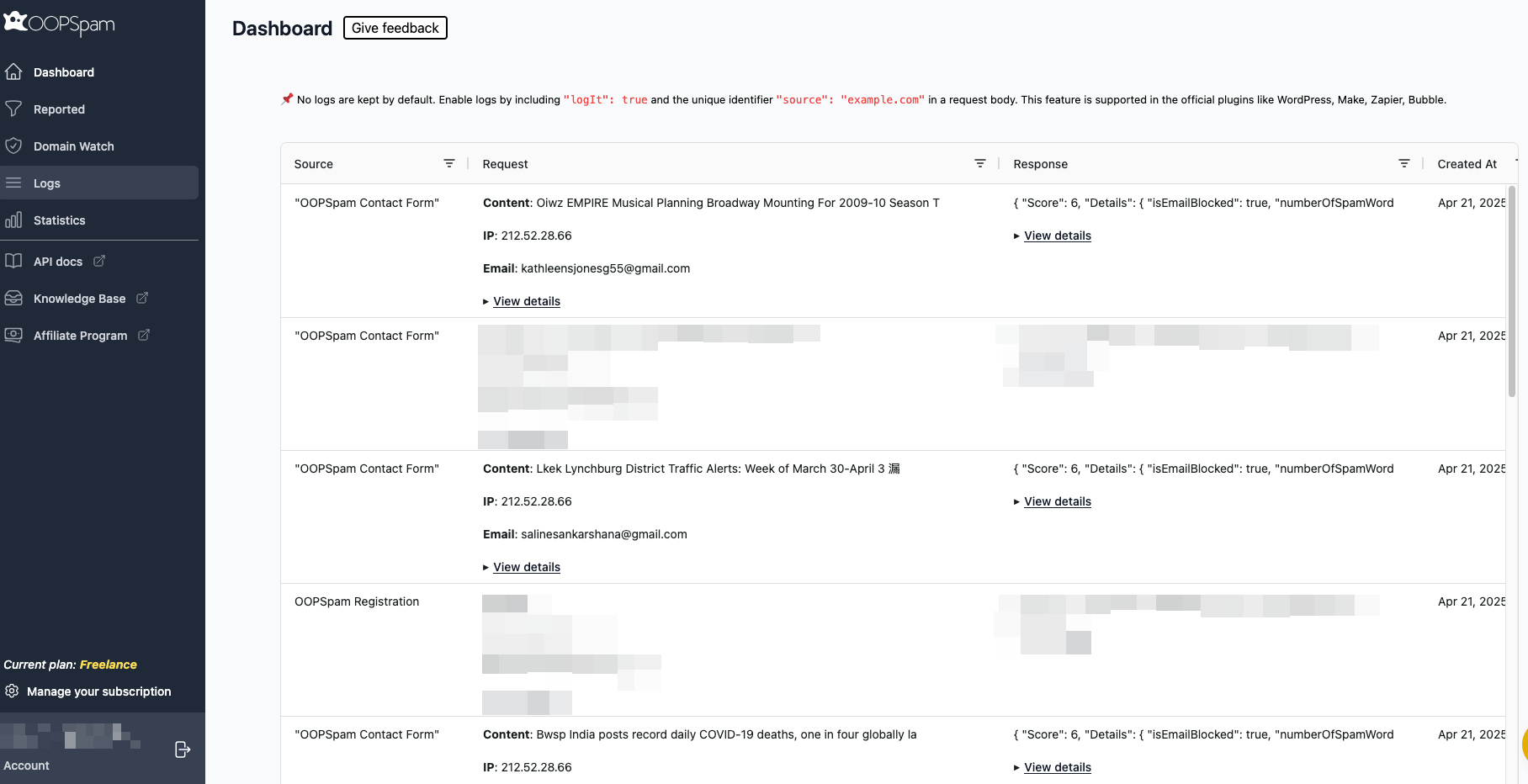
This transparency lets you fine-tune settings and recover valid leads if needed.
Option 2: Block Entire Countries with Cloudflare
If the problem goes beyond form spam, such as DDoS attacks, scraping, or server overload, block traffic at the network level with Cloudflare.
How to Do It
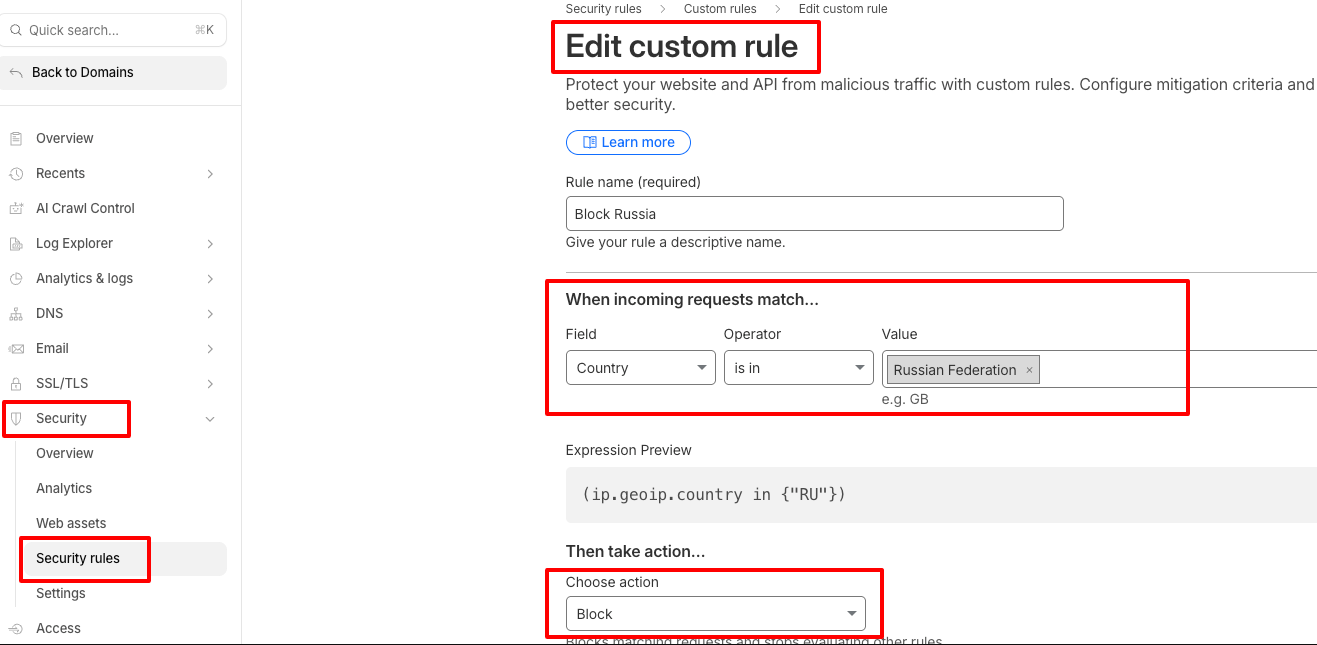
- Log in to your Cloudflare account.
- Go to Security > Security rules.
- Create a new rule and name it “Block Countries.”
- Set the field to Country, operator to is in, and choose the countries you want to block.
- Set the action to Block and save.
Cloudflare will now block all visitors from those countries before they ever reach your site.
Which Method Should You Choose?
- Use oopspam if you want precision — block only form submissions while leaving the rest of your site accessible.
- Use Cloudflare Firewall if you need to block all access from a region for security, compliance, or server performance.
Final thoughts
Toolset Forms does not have built-in country blocking. But with oopspam, you can filter submissions by region and keep your forms clean. For stronger protection, layer Cloudflare Firewall rules to block entire countries at the network level.
This combination gives you control, flexibility, and security, without disrupting legitimate visitors.
