
Ninja Forms spam filter
Stop Ninja Forms spam without a CAPTCHA
The oopspam Anti-Spam plugin checks every Ninja Forms submission in the background. It blocks spam from bots and real people before it reaches you, without quiz questions or puzzles.
- 4.9 on WordPress.org
- 6,000+ active installs
- 3.5M+ websites protected
The problem
Why Ninja Forms still gets spam
Ninja Forms comes with a honeypot and an anti-spam question field, and it supports reCAPTCHA. Together they stop many simple bots.
But none of them look at the message itself. Spam typed by real people, and bots that act like people, get past all three.
Every extra question or challenge also makes your form a little harder for real visitors to finish.
| Honeypot (on by default) | A hidden field that catches bots which fill in every field. Smarter bots simply skip it. |
|---|---|
| Anti-Spam question field | A question visitors must answer correctly. Extra friction for real people, and easy for a human spammer. |
| reCAPTCHA v2 and v3 | v2 makes visitors solve puzzles, and v3 loads a Google script on every page. Neither reads the message. |
How it works
Set up in about five minutes
No changes to your forms, and nothing for your visitors to solve.
Install the plugin
In WordPress, go to Plugins → Add New, search for “oopspam Anti-Spam”, then install and activate it.
Add your API key
Create a free account, copy your API key and paste it under Settings → oopspam Anti-Spam.
Turn on Ninja Forms
In the Ninja Forms section of the settings, switch on Activate Spam Protection and write the message spammers will see. That's it.
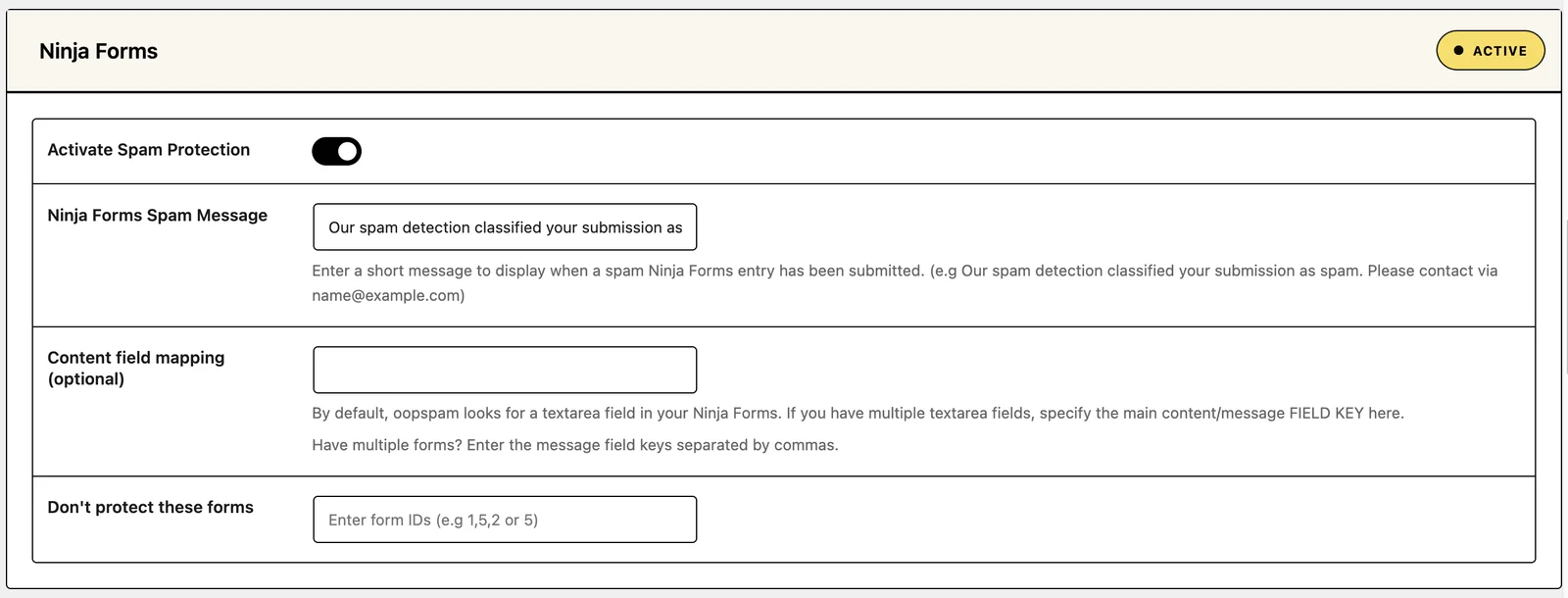
What happens to a blocked submission? The visitor sees the message you wrote at the bottom of the form, and the submission doesn't reach you. It is saved in the plugin's Spam Entries log with its score and the reason it was blocked.
Features
Everything you need to keep Ninja Forms clean
99.9% accurate detection
Machine learning reads each message and checks the sender's IP and email against a blocklist of 350M+ known spammers. It catches bots and people paid to spam.
Context-aware checks
oopspam can judge a message against what your website is for, so off-topic pitches that look human get caught too.
Country and language filters
Accept submissions only from the countries and languages you serve, and always trust the ones you choose.
VPN, proxy and disposable email blocking
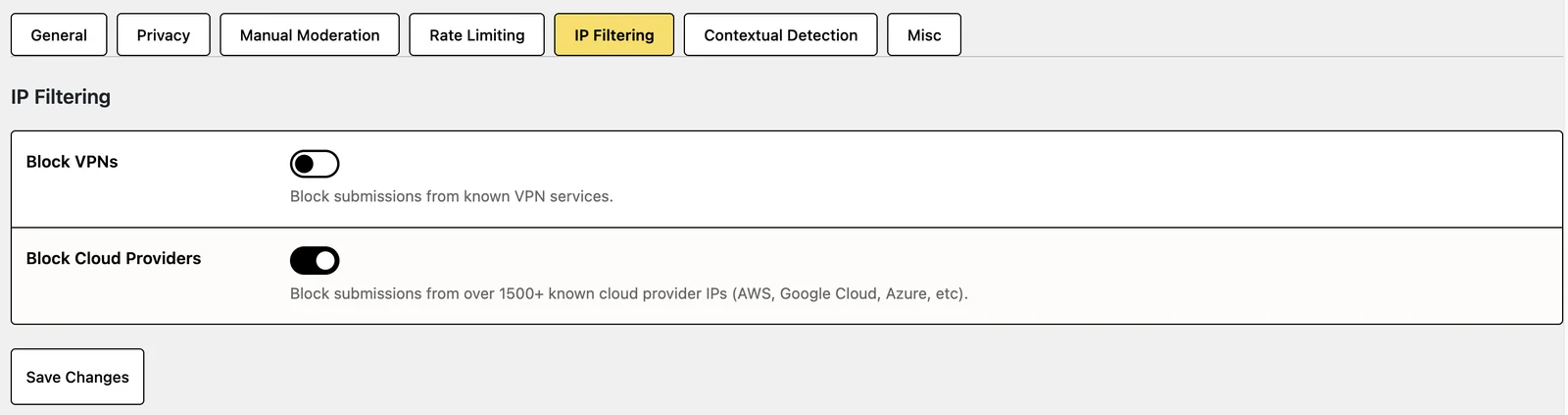
Block submissions from VPNs and cloud providers, and from throwaway email addresses that spammers use once.
Rate limiting
Cap how many times one IP address or email can submit per hour, so floods stop before they reach you.
Logs that explain every decision
Spam and valid entries are kept in your own WordPress database, with the reason each one was blocked. Get email alerts and a spam summary report.
Block and allow lists
Block specific keywords, phrases, emails and IP addresses, and always let trusted emails and IPs through.
One API key, unlimited websites
You pay for spam checks, not per site. Use the same key on every WordPress site you manage.
Private by default
Nothing is stored on our servers unless you turn on remote logging. You can switch off checks that use personal data, and we're GDPR compliant.
Inside the plugin
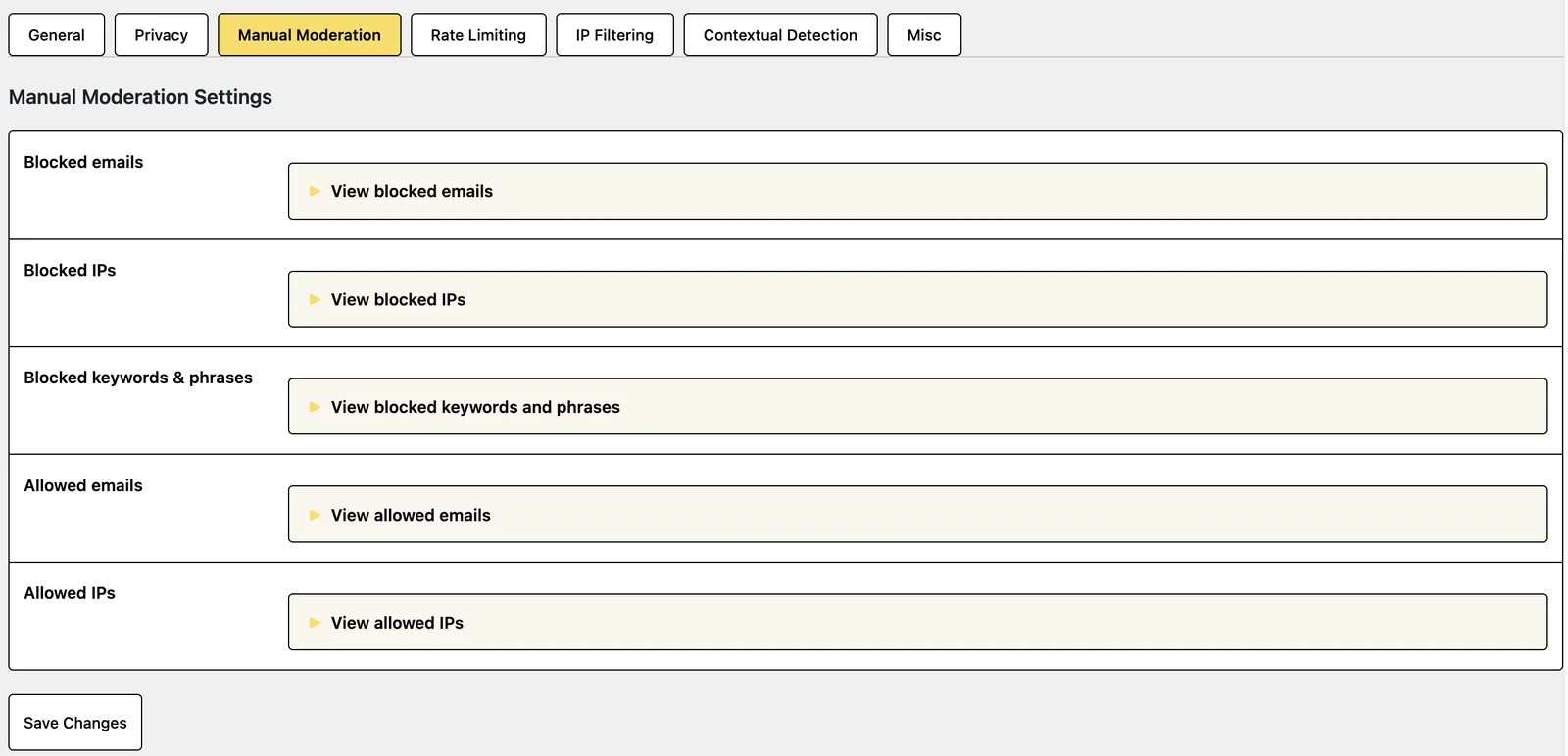
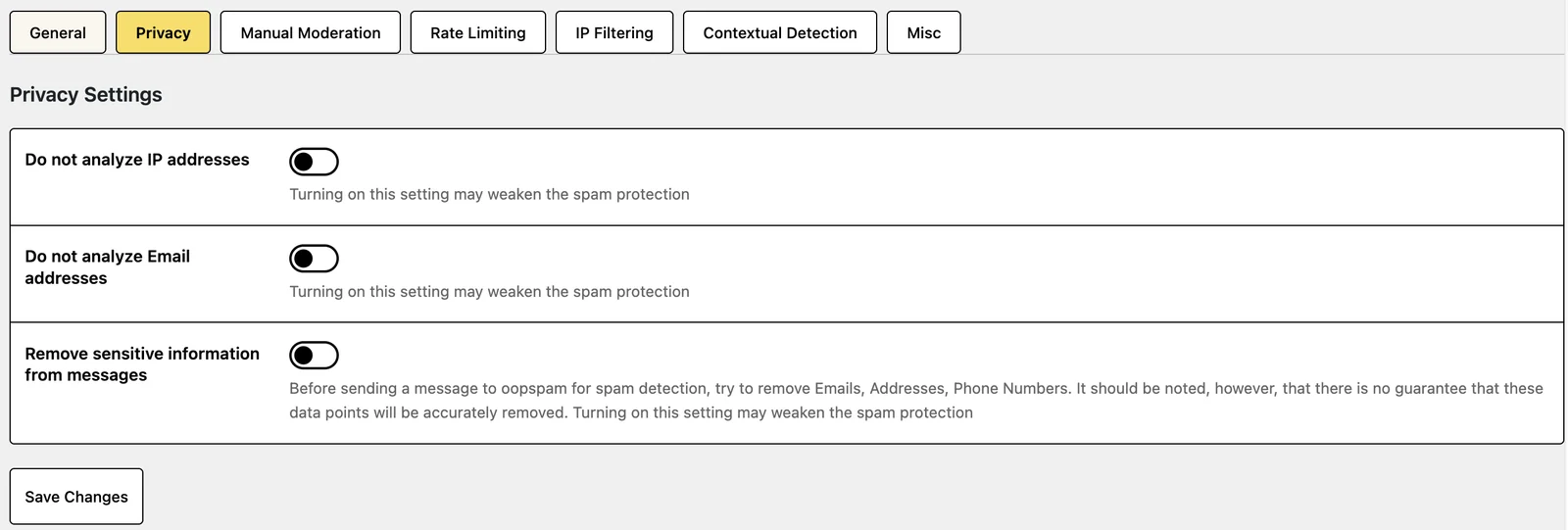
Compare
oopspam vs the usual Ninja Forms fixes
| What you get | oopspam | reCAPTCHA | Honeypot | Akismet |
|---|---|---|---|---|
| Stops automated bots | Yes | Yes | Simple bots only | Yes |
| Stops spam typed by real people | Yes | No | No | Partly |
| No challenge for visitors | Yes | v3 only | Yes | Yes |
| No third-party script on your pages | Yes | No | Yes | Yes |
| Country, language and VPN filters | Yes | No | No | No |
| Shows why a submission was blocked | Yes | No | No | No |
You don't have to choose: oopspam works alongside reCAPTCHA or a honeypot if you want to keep them.
Reviews
What site owners say
4.9 out of 5 from 51 reviews on WordPress.org“I'm very happy with the usable data and tools provided to me. It's eliminated all spam, and even the need for Captcha.”
@gotmick on WordPress.org
“We tried various methods including but not limited to Captcha, Honeypot… We strongly recommend oopspam for anyone who values their time and resources.”
Vu Nguyen, Nilead.com
“Pricing is perfect for agencies as they do tiers by actual # of API calls and no limit on the number of sites you can install this on.”
@squarecandy on WordPress.org
Simple, transparent pricing.
1 API call = 1 spam check.
Start with 40 free checks a month, no credit card required.


FAQ
Ninja Forms spam: common questions
Does oopspam work with the Ninja Forms honeypot and reCAPTCHA?
Yes. oopspam runs alongside them, so you can keep them. Most sites can remove the anti-spam question field, which makes the form easier for real visitors.
Do I need to change my forms?
No. Switch on protection once in the plugin settings and it covers every Ninja Forms form on your site.
Can I leave some forms unprotected?
Yes. In the Ninja Forms section of the settings, enter their form IDs under Don't protect these forms, for example 1,5,2.
Will it slow down my site?
No. The check happens on your server when the form is submitted. Nothing extra loads in your visitors' browsers.
What if a real message gets blocked?
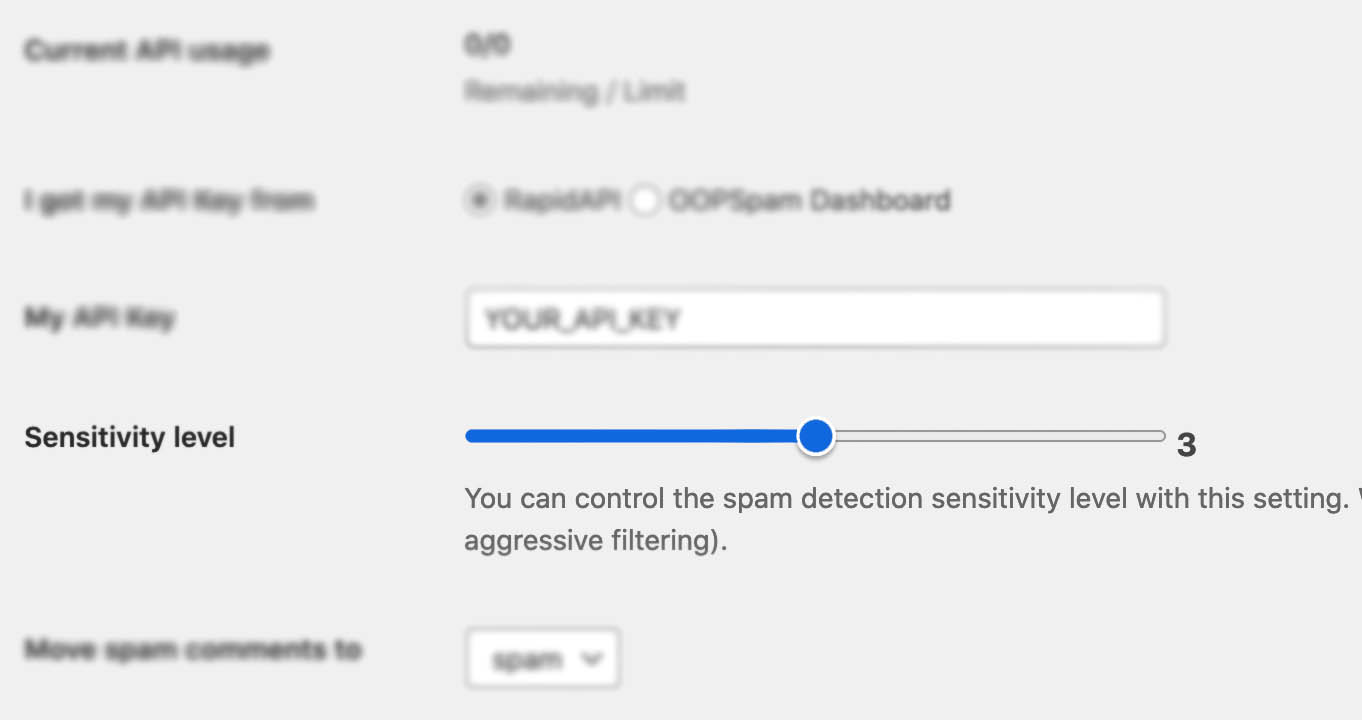
Find it in the plugin's Spam Entries log, which shows why it was blocked. To make sure it doesn't happen again, add the sender's email or IP address to your allowed list, or lower the sensitivity level.
Is oopspam GDPR compliant?
Yes. Logs stay in your own WordPress database, and nothing is stored on our servers unless you turn on remote logging. You can also switch off checks that use personal data. See our GDPR notice and Data Processing Agreement.
How much does it cost?
Every account includes 40 free spam checks a month. Paid plans are priced by the number of checks, not the number of sites, so one API key covers every website you manage. See the pricing above.
Your Ninja Forms inbox, minus the spam
Start with 40 free spam checks a month. No credit card required.


